◎
Looks sharp at any size
Your map stays clean and professional whether it is used in a PDF, a printed brochure, a poster or a presentation slide.

Stop relying on fuzzy screenshots that look poor in print, reports, flyers and presentations. Create a clean, detailed high-resolution vector map in minutes for any location in the world.
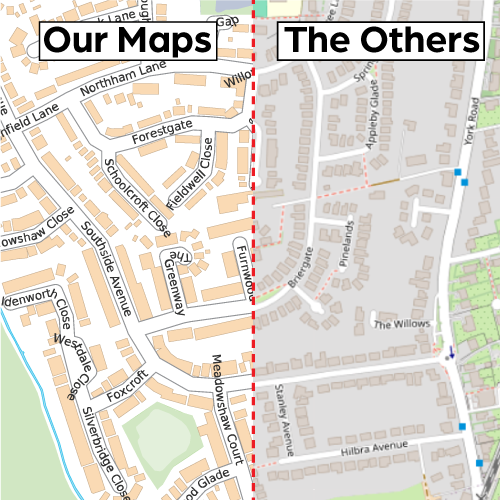
Online map screenshots may look acceptable on screen, but they often become blurry, pixelated and unprofessional when printed, enlarged or placed in a proper document.
Whether you are producing a report, brochure, planning document, poster, sales sheet, presentation or website, the map should look clean and intentional — not like a quick screenshot grabbed in a hurry.
This is not specialist GIS software. It is a straightforward tool that helps people create a polished map quickly and confidently.
Your map stays clean and professional whether it is used in a PDF, a printed brochure, a poster or a presentation slide.
Select your area, choose your options and generate a map without complicated software or design expertise.
When you need more flexibility, editable and scalable map output is available for design and publishing work.
Perfect for reports, flyers, planning documents, property details, websites, posters and marketing materials.
The process is deliberately simple, so people can get the map they need without battling through a technical workflow.
Search for a location or move around the map and select the exact area you want to include.
Pick your map style, paper size and display settings to suit the way you plan to use the finished map.
Create a high-quality map that is ready for print, digital documents, presentations or design work.
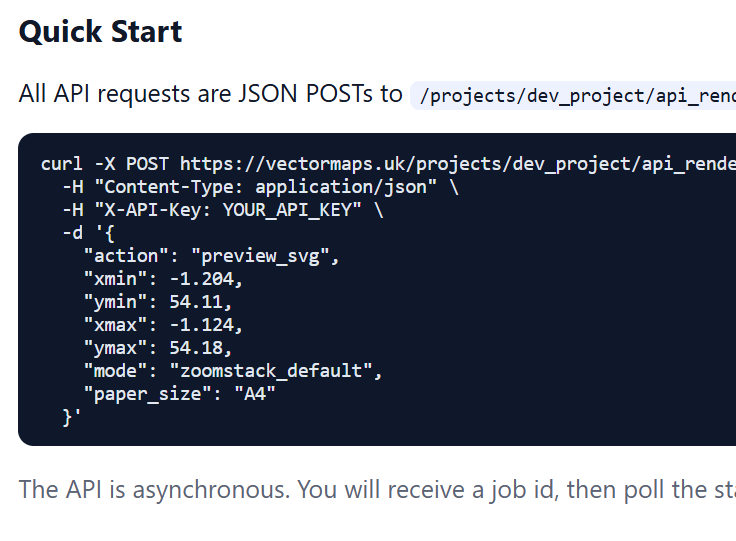
Generate previews and production map files directly from your own systems, with the same output quality as the browser tool.
Build your own workflows on top of our rendering engine. Trigger map generation from your backend, store the outputs, and deliver consistent map files to users without manual map setup each time.
samples/api-sample.png.Download unstyled GIS streetmap data for professional workflows, analysis and system integration anywhere in the world.
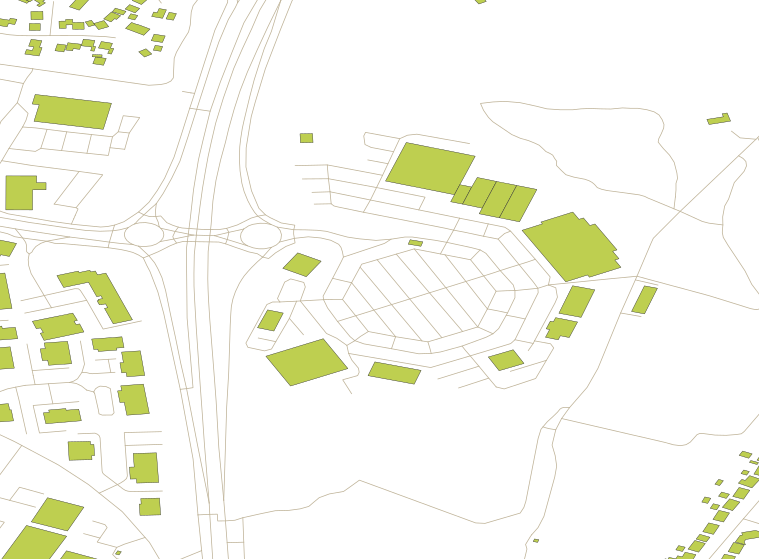
samples/gis-sample.svg.GIS files are supplied as raw, unstyled geospatial data for professionals. They are built for use inside GIS tools and data pipelines where you control cartography, filtering and analysis.
GPKG and GeoJSON streetmap files for professional GIS users.If you need a map that looks polished and trustworthy, this tool is built for exactly that job.
Use a clean map that prints sharply and looks intentional inside professional marketing materials.
Replace rough screenshots with a polished map that strengthens the overall quality of your document.
Create clearer, more useful map graphics for planning documents, property details and supporting information.
Both options show a location. Only one looks like it belongs in a professional document.
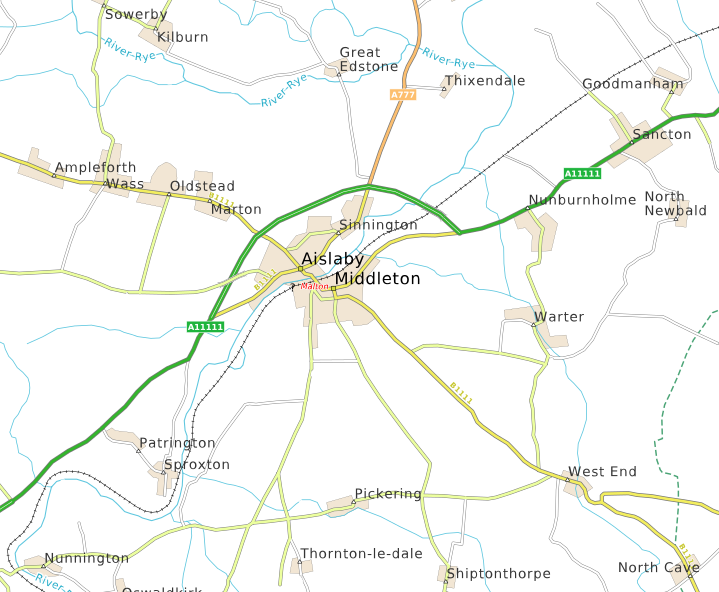
If you are tired of fuzzy screenshots and want something that looks cleaner, sharper and more professional, this is the simple alternative. Choose any area worldwide, customise the look and generate a map built for proper use.